


双轴图中如何自定义 Tooltip?
问题描述
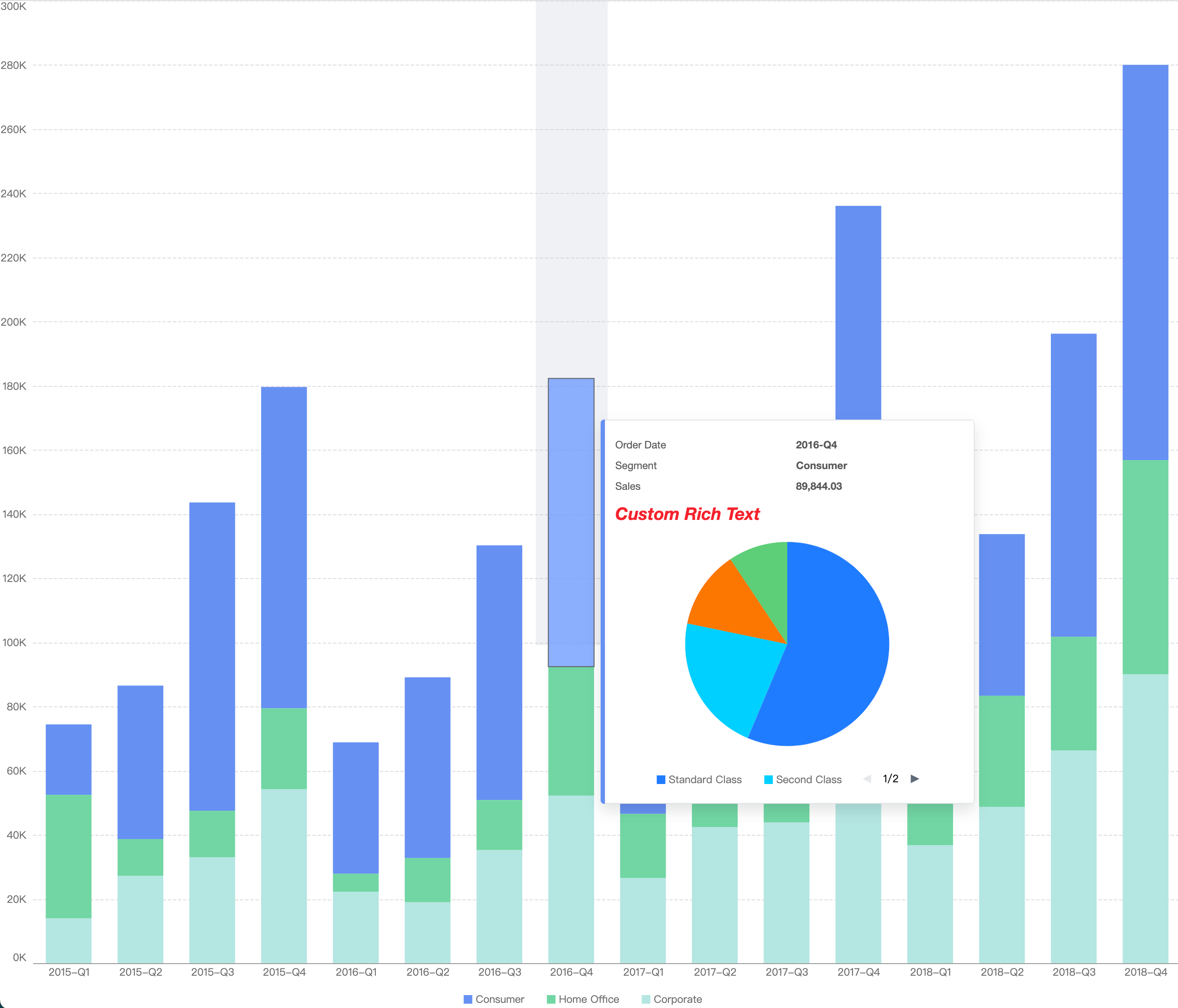
我想要在双轴图的 tooltip 中显示一些富文本内容应该如何实现?
解决方案
这个问题的前提条件是双轴图,事实上对于大多数具有 Tooltip 自定义功能的图表组件来说,是不是双轴图对于自定义 Tooltip 没有影响。 接下来我以我最近在用的 VisActor 图表举例,逻辑是这样的:
- 确定你想要自定义的 tooltip 类型
- 注册对应的事件触发自定义 tooltip 的显示
- 自行设计 tooltip 的布局 在自定义事件中,你可以将 tooltip 渲染成任何你需要的样子。通过回调事件的参数,你可以获取到当前 hover 的元素具体的数据。
代码示例
const vchart = new VChart(spec, { dom: 'container' });

vchart.setTooltipHandler({
  showTooltip: (activeType, tooltipData, params) => {
    // some code of custom tooltip
    const tooltip = document.getElementById('custom-tooltip');
    if (!tooltip) return;
    tooltip.style.visibility = 'visible';
    tooltip.style.left = params.event.x + 20 + 'px';
    tooltip.style.top = params.event.y + 20 + 'px';
    tooltip.style.position = 'absolute';
    tooltip.style.background = 'white';
    tooltip.style.padding = '10px';
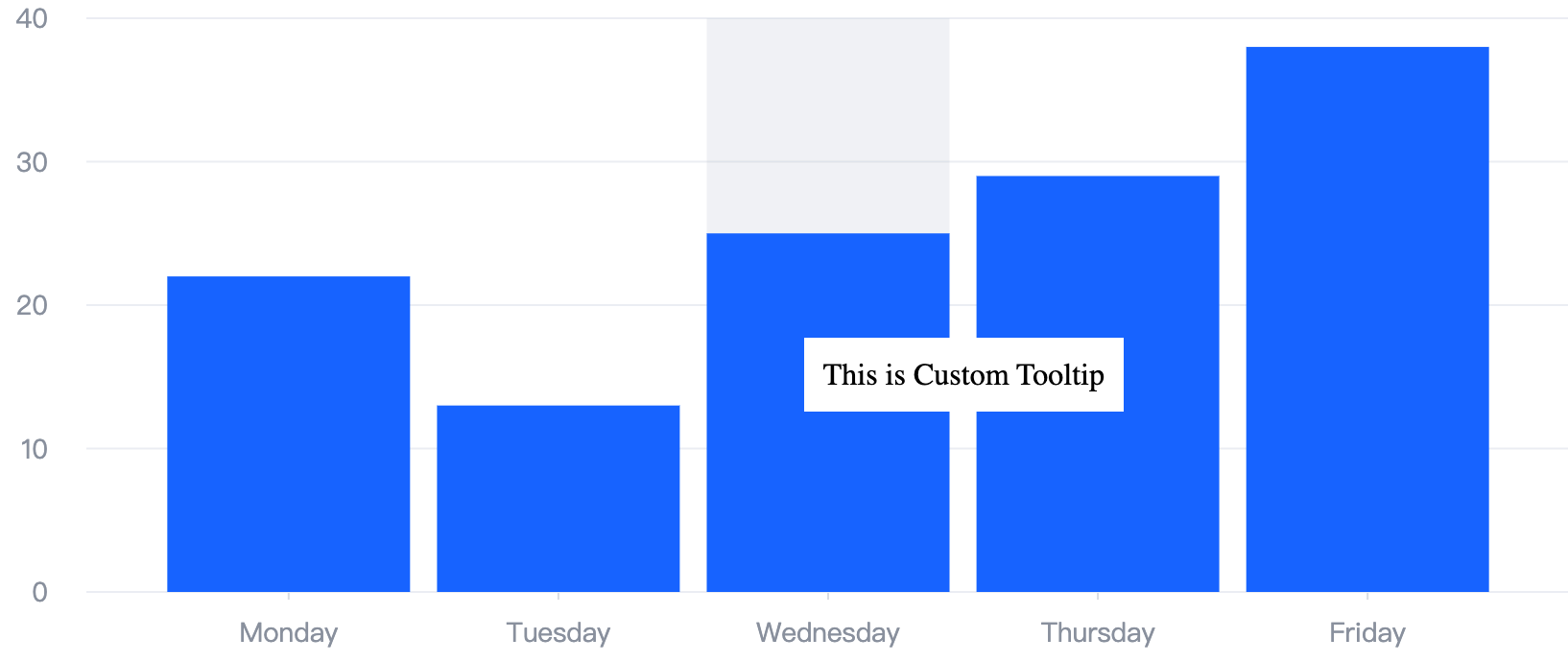
    tooltip.innerText = 'This is Custom Tooltip';
  },
  hideTooltip: () => {
    // hide your custom tooltip
    const tooltip = document.getElementById('custom-tooltip');
    if (!tooltip) return;
    tooltip.style.visibility = 'hidden';
  }
});
结果展示
https://codesandbox.io/s/custom-tooltip-dyvy3z